Create campaign-ready images and videos from one prompt
Choose a premium model, see the credit cost before rendering, and keep every result in a reusable creative history.
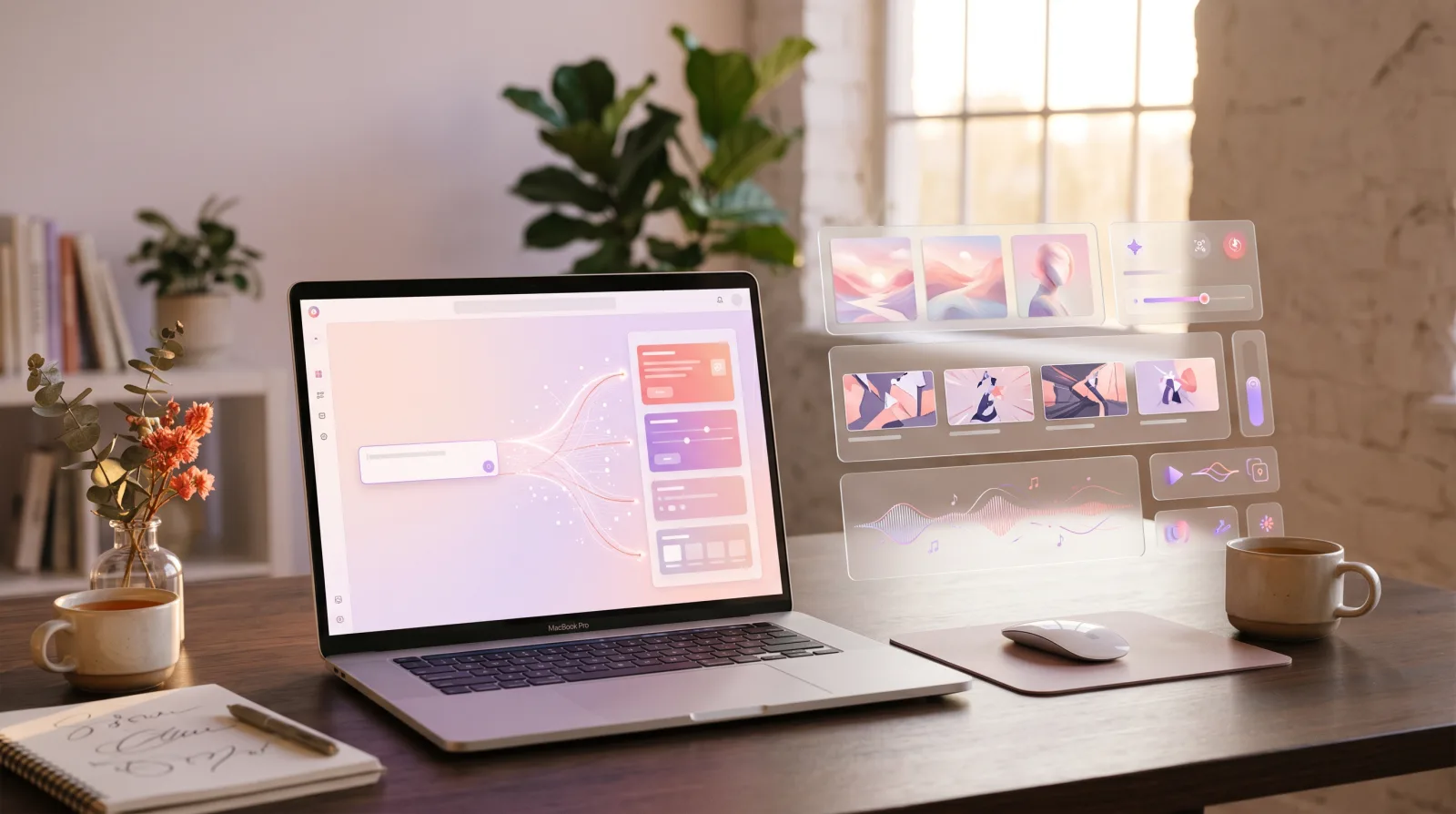
Prompt in, asset out

A soft pastel launch scene for a ceramic coffee brand, natural morning light, three reusable crops
Nano Banana 2
Fast Gemini image passes for product and social visuals
GPT Image 2
Higher-control stills with detail levels
V6
Text-to-video with duration, quality, and aspect controls
Seedream 5
High-resolution marketing image generation
Creative AI gets messy when every model lives somewhere else
Creators lose time when prompts, model settings, costs, and results are split across tools. OmniArt keeps the creative run together so you can compare what worked and keep moving.
Every extra tool adds another login, credit balance, and place where the winning prompt can get lost.
Before you render, OmniArt shows the model controls and credit cost that matter for the selected output.
Download finished assets, revisit prior generations, and turn a strong result into the next prompt instead of starting over.
From rough idea to reusable asset in four steps
Write one prompt, choose the right model, preview the cost, then keep every generation in a reusable creative trail.
Write the creative brief
Describe the product, scene, motion, mood, and output size you need in one focused prompt.
Choose model settings
Pick quality, aspect ratio, duration, seed, audio, or source image based on the selected model.
Preview cost, then render
See the credit cost before rendering, then track progress while OmniArt generates the asset.
Save the output trail
Download finished assets and return to previous generations when a direction is ready to extend.
Live image and video generation, with audio and music shaped next
Use production-ready image and video tools today. Audio and music are being designed around the same campaign workflow, so the studio can grow without changing how you brief work.
Create polished stills, campaign concepts, product scenes, and editorial covers from text prompts.
Create short motion pieces from text or source images using V6, Kling, Sora, Veo, and Seedance options.
Prepare narration, sound effects, and spoken variants from the same campaign prompt structure.
Shape background tracks and sonic directions for the visual concepts you already generated.
Built for creative runs, not one-off demos
A useful AI studio needs enough structure for repeated work and enough softness to stay pleasant during iteration.
Campaign concept sprint
Generate hero stills, vertical social clips, and alternate crops from one product direction.
Product scene exploration
Test lighting, backgrounds, materials, and compositions before committing to a final art direction.
Storyboard to motion
Turn a visual sequence into short video options with duration and aspect controls.
Common questions
What are credits and how do they work?
Credits are used when you generate content. Each model has its own cost, and OmniArt shows that cost before you start.
Which models can I use?
The current registry includes image models such as Nano Banana, GPT Image 2, Seedream, Qwen, and Kling, plus video models such as V6, Kling, Sora, Veo, Grok Imagine, and Seedance.
Can I generate video from an image?
Yes. Supported video models expose image input, aspect ratio, duration, quality, seed, audio, and multi-shot controls where available.
Can I use generated content commercially?
Generated content is designed for personal and commercial use, subject to the terms that apply to OmniArt and the selected model provider.
Can I try it without paying?
Yes. Free accounts receive starter credits so you can test the image studio and explore the workflow before upgrading.